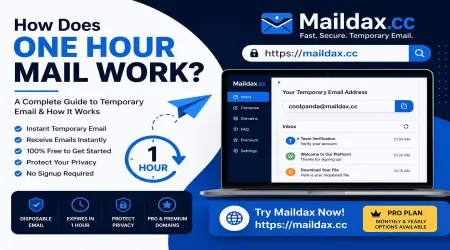
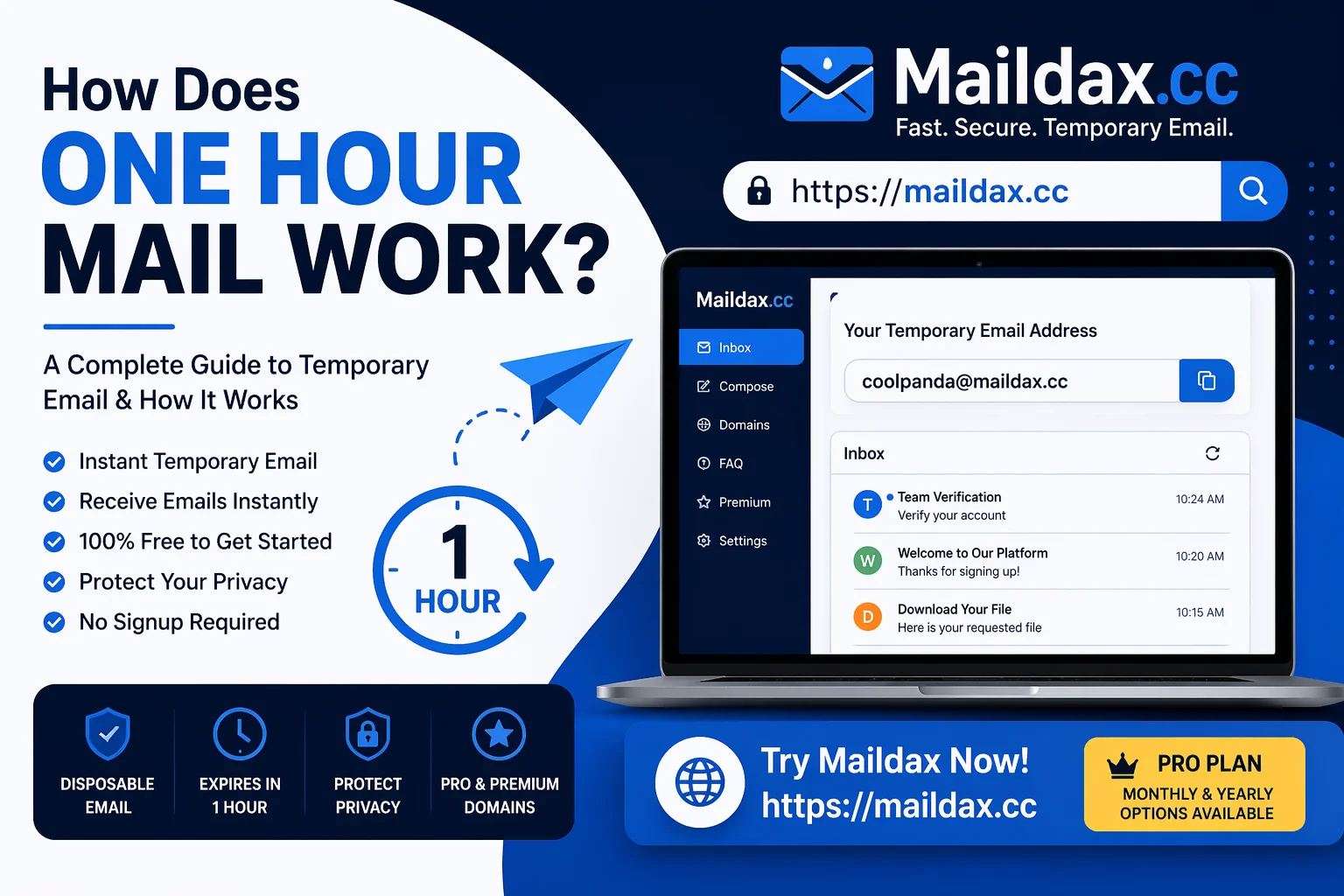
How Does One Hour Mail Work?
Most people understand that temporary email addresses expire, but fewer people understand exactly how that expiry process works, why it happens, and what it means for their privacy. This guide explains the full picture.
What is a Time-Limited Temporary Email?
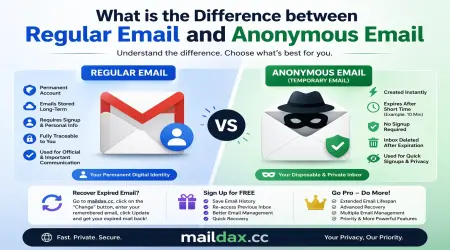
A time-limited temporary email is a disposable inbox that automatically deactivates after a set period. Depending on the service, that window might be 10 minutes, one hour, 24 hours, or longer.
During that window, the address functions like any normal email inbox. It can receive messages, verification codes, and attachments in real time. Once the time limit expires, the address and all its contents are permanently deleted from the server.
The key difference from a regular email account is that no action is required from you. The deletion happens automatically, on a schedule, without you needing to do anything.
How Does the Process Work Step by Step?
Step 1: Address generation When you visit a temporary email service, the system automatically generates a unique email address for you. This happens instantly without any registration, password, or personal information.
Step 2: Normal email reception You use that address wherever you need it, such as a signup form, a download page, or an account verification screen. Any emails sent to that address arrive in your temporary inbox in real time, usually within a few seconds.
Step 3: The expiry clock From the moment your address is generated, a timer begins. The inbox remains active and accessible until that timer runs out. On MailDax, you can see your inbox and access it from any device as long as you have the address.
Step 4: Automatic deletion When the time limit is reached, the system permanently deletes the email address and every message associated with it. There is no archive, no backup, and no recovery. This is intentional and is what makes the service genuinely private.
Why Does Automatic Expiry Matter for Privacy?
The automatic deletion is not just a convenience feature. It is the privacy mechanism that makes temporary email meaningful.
With a regular email account, your messages are stored indefinitely on a server. Even if you delete them yourself, copies may exist in backups or logs. With a time-limited temporary address, the deletion is built into the service design. You do not have to trust the provider to delete your data later. It happens automatically as part of how the system works.
This is particularly valuable for:
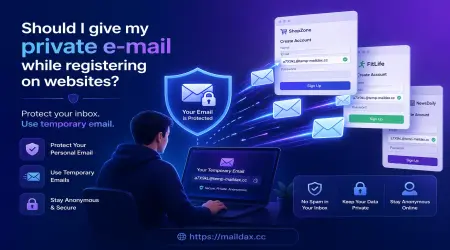
- Situations where you are testing an unfamiliar website and do not want any lasting connection to it
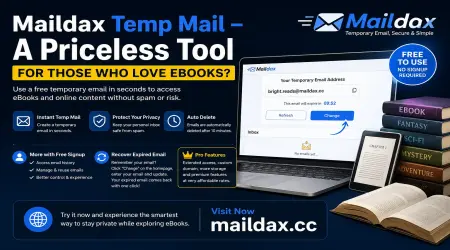
- One-time downloads where you need a verification email but nothing ongoing
- Any signup where you have no intention of returning to the service
What Are the Limitations?
Time-limited temporary email is not suitable for every situation. Here are the honest limitations:
You cannot use it for long-term accounts. Any account you create with a temporary address will become inaccessible once the address expires. Password resets, login verifications, and account recovery emails will have nowhere to go.
Address reuse is possible. On some services, the same address can be generated by another user after it expires. This means any emails arriving after your session ends could theoretically be seen by someone else. Never use a temporary address for anything sensitive.
Not suitable for financial or medical services. Any service that requires reliable ongoing email communication, such as banking, healthcare, and legal services, should always use your real email address.
When Should You Use a Time-Limited Temporary Email?
Use it when:
- You need a quick verification to access content or complete a signup
- You are testing a new website or service for the first time
- You want to download something without subscribing to ongoing emails
- You are a developer testing email flows in an application
Do not use it when:
- You plan to use the account or service long term
- You might need to reset a password or recover access later
- The service involves sensitive personal or financial information
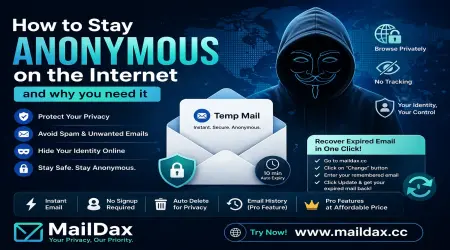
For more on protecting your privacy at signup, read our guide on how to stay anonymous on the internet, or check our FAQs page for quick answers.